VoluntOS
Product
A custom scheduling engine — built and shipped using Claude Code
My wife manages volunteers at our community center using legacy scheduling software that is expensive, rigid, and impossible to customize. I designed and built a new one for her from scratch using Claude Code, Cursor, and Figma.
Problem: The existing software had a very limited concept of equity or fairness in rotation. Existing auto-assign algorithms were poor, leading to volunteer burnout and a lot of manual rework. The experience was full of feature gaps and inconsistent design.
Solution: I built a custom auto-scheduling engine that factors in availability, hours worked, and rotation equity to generate balanced schedules automatically. Org admins can override, fine-tune, and publish. As it continues to be tested, more features are added.
Stack: Claude Code, Cursor and Figma; Supabase (Auth/DB), Resend (Email), Vercel (Deployment) and more.
Built with:








View live:
What building with Claude Code made possible
With Claude, it was possible to learn about, tailor and implement precise scheduling algorithms based on direct feedback I received from my wife and had experienced myself. Since I was connected to Figma MCP, it was possible also to quickly jump between Figma canvas and Claude, and vice versa, to refine and create an experience which felt tailored and bespoke.
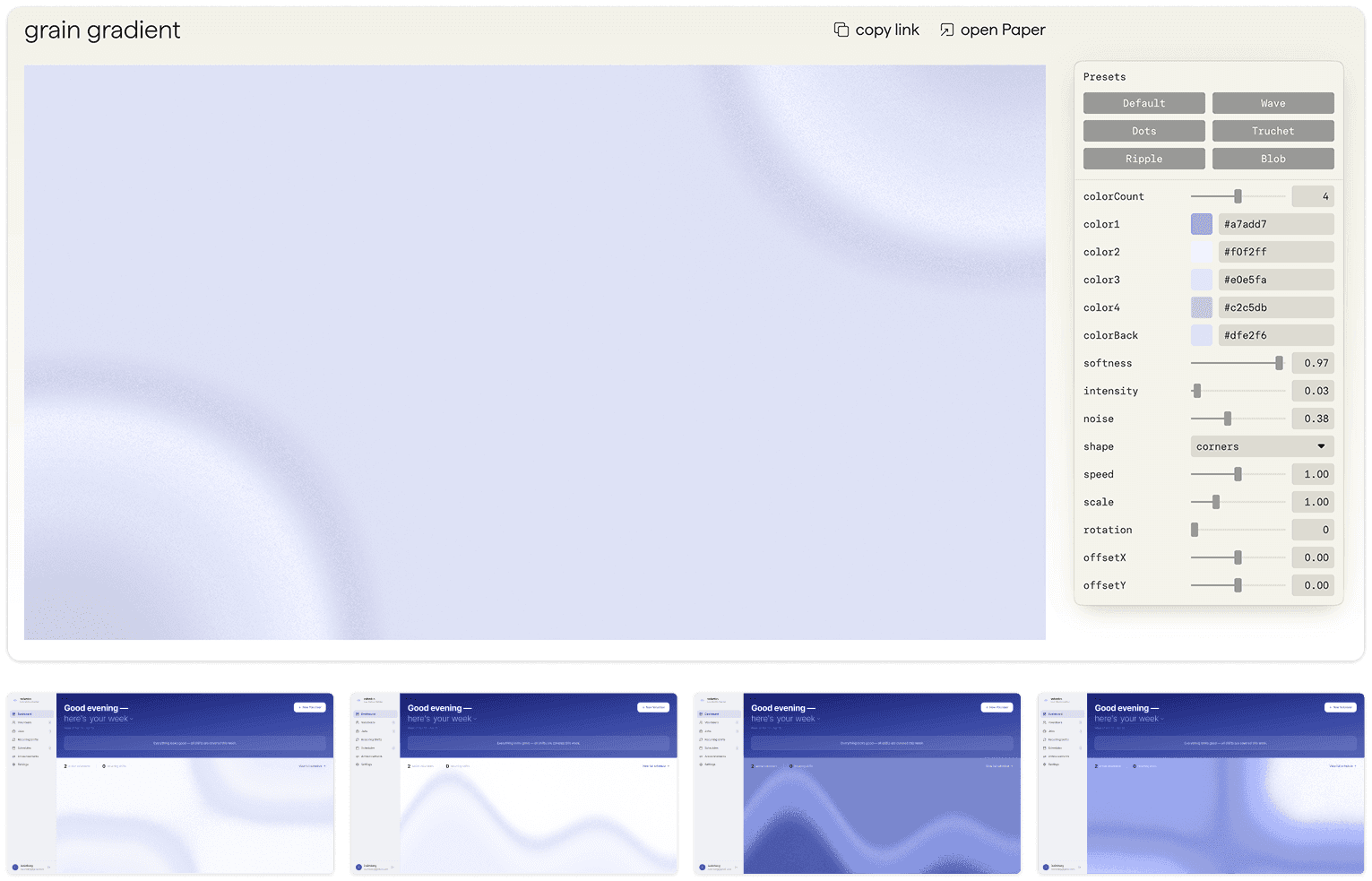
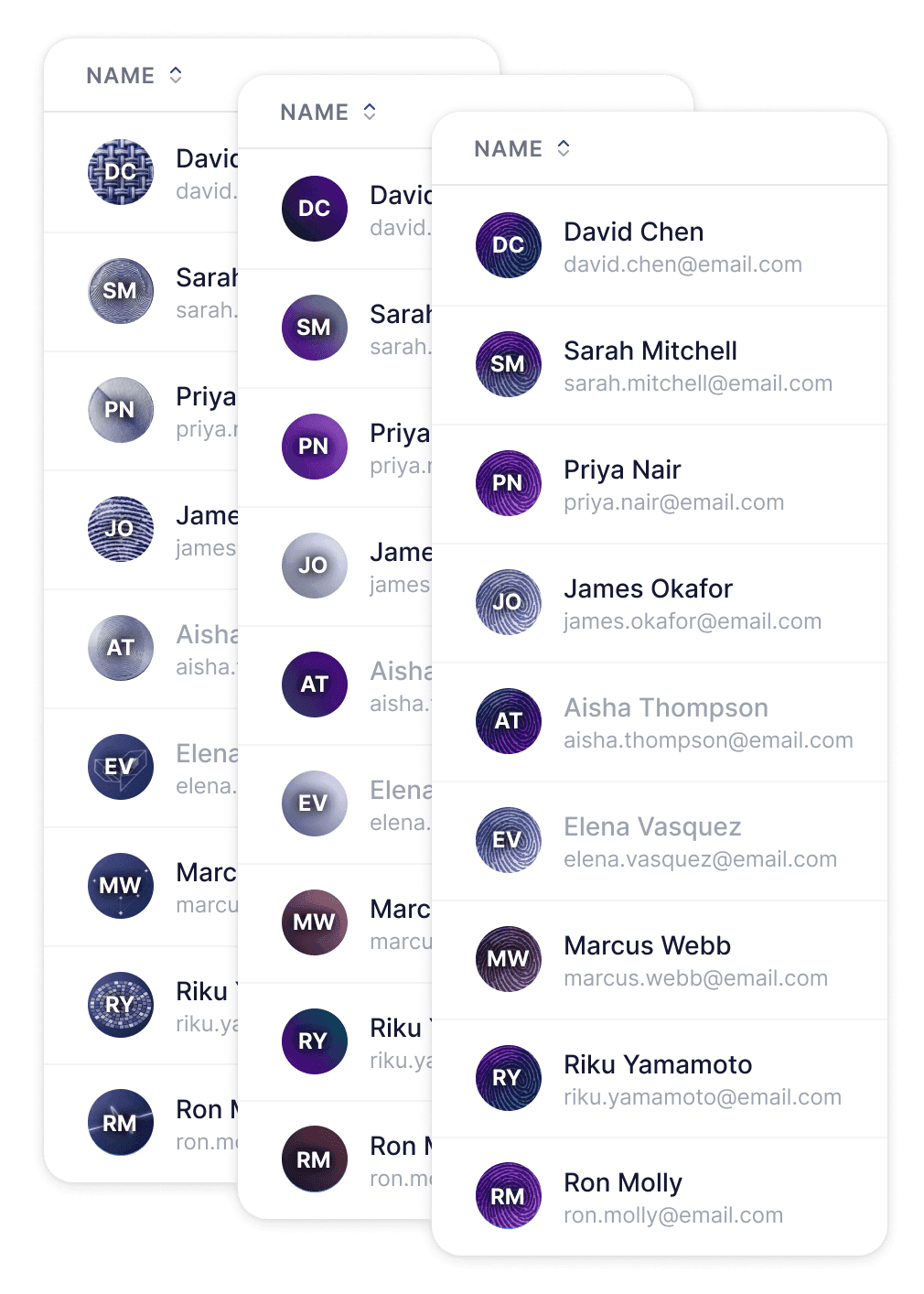
Using AI to add texture
With AI tools available to everyone, I believe human-facing experiences should retain a sense of digital craftmanship, intention and human warmth, wherever it can enhance the experience.
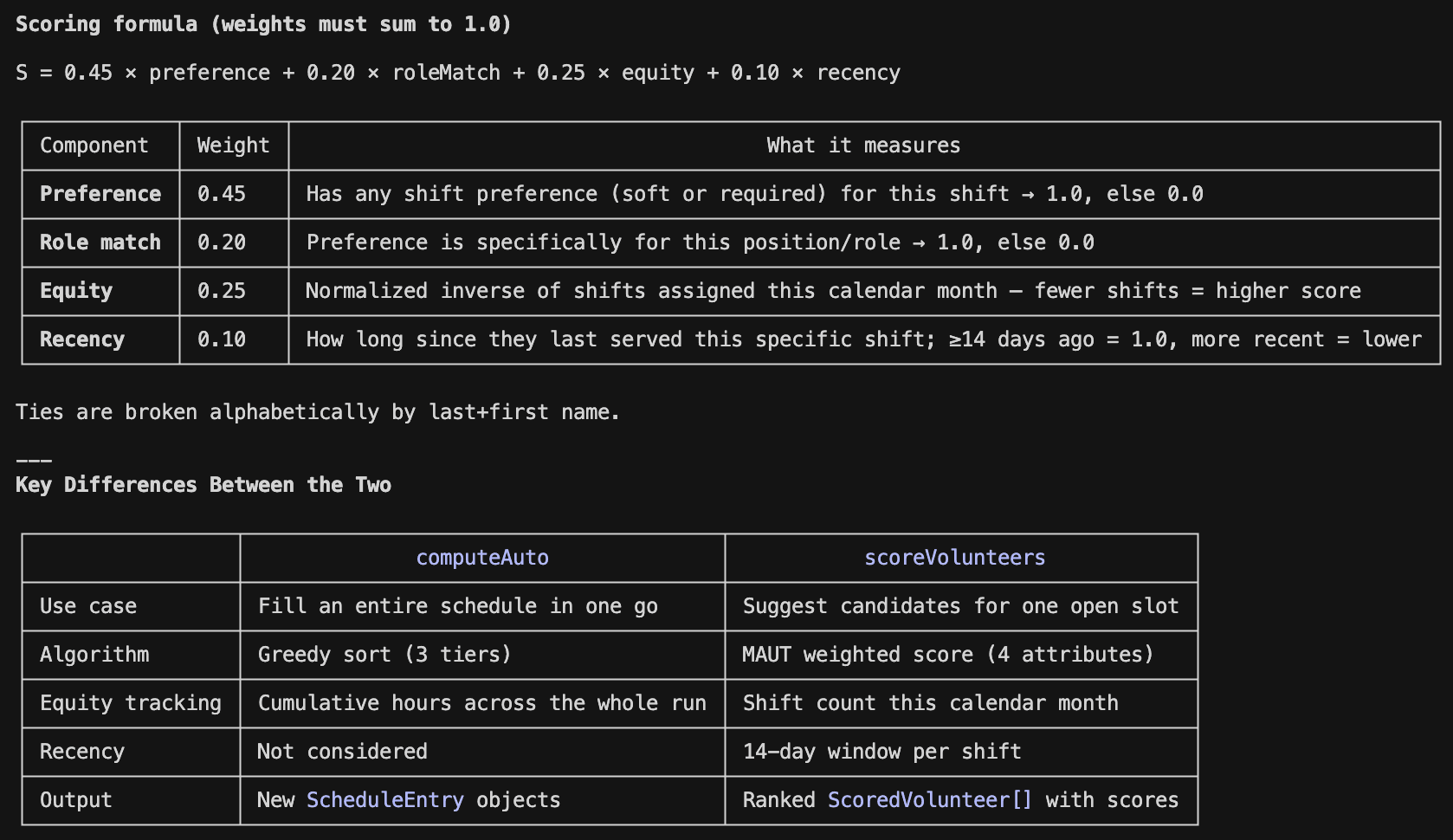
Co-designing the scheduling engine with Claude
Having no prior understanding of how established scheduling algorithms work, I was able to very quickly learn the basics, understand if the weights it was prioritizing was correct, and implement a first working version based on our needs and experiences. Additional refinement and learning in this area continues to be done.
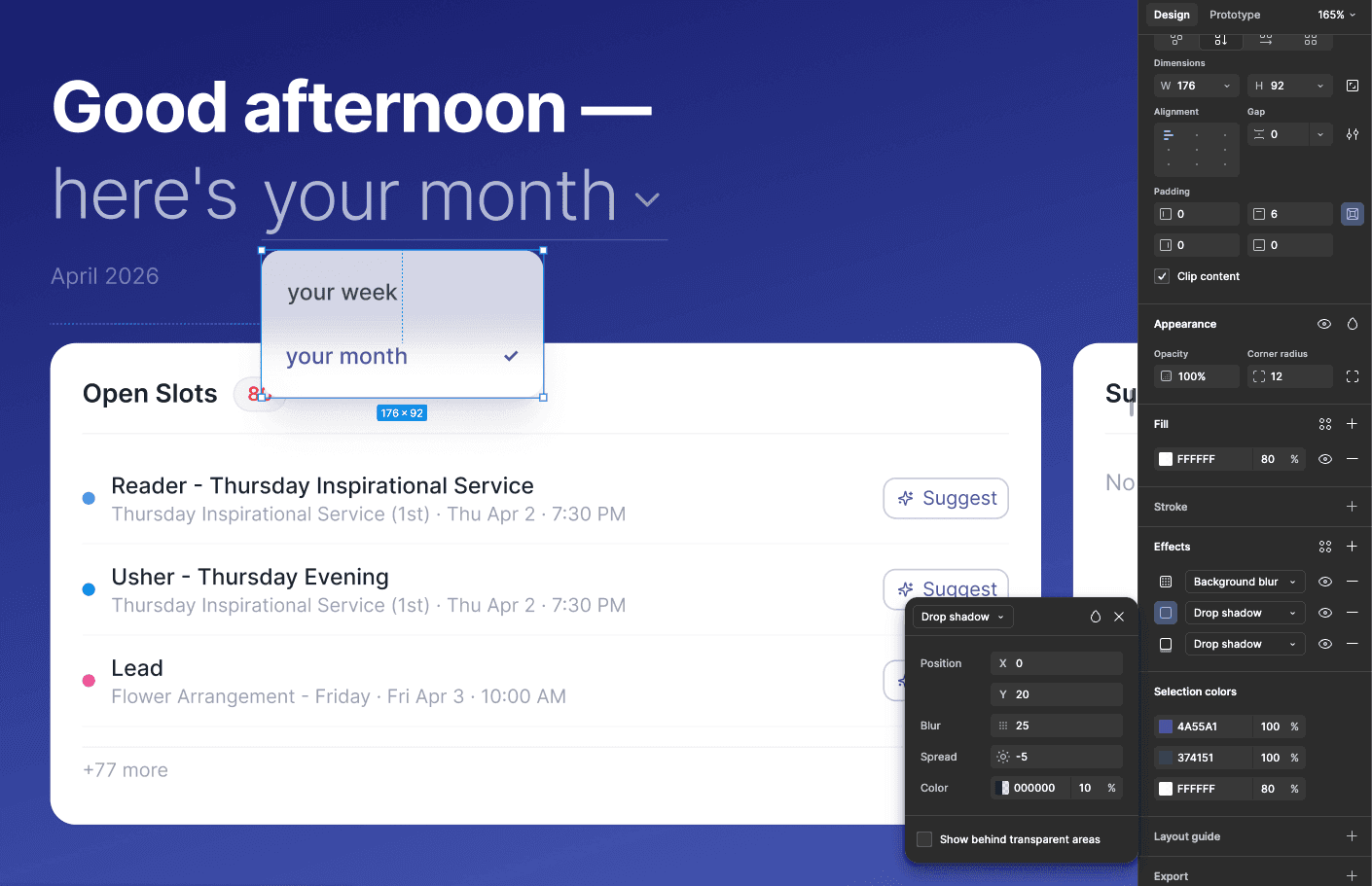
Rapid visual experimentation between Claude and Figma canvas
Figma, connected to the codebase via MCP, enabled rapid visual experimentation. For some features, going straight to code was best, but for other experiences, having a canvas to very quickly fine tune the visual design and immediately send it back to code was incredibly effective and efficient.
Other Learnings & Process
Build order: Starting certain aspects of the project without adequate planning created poor or incorrect implementation. Starting with enough planning or visual artifacts to start with yielded better results in some areas. Communication and planning with AI on what to build next (and in what order) consistently saved time and prevented compounding mistakes.
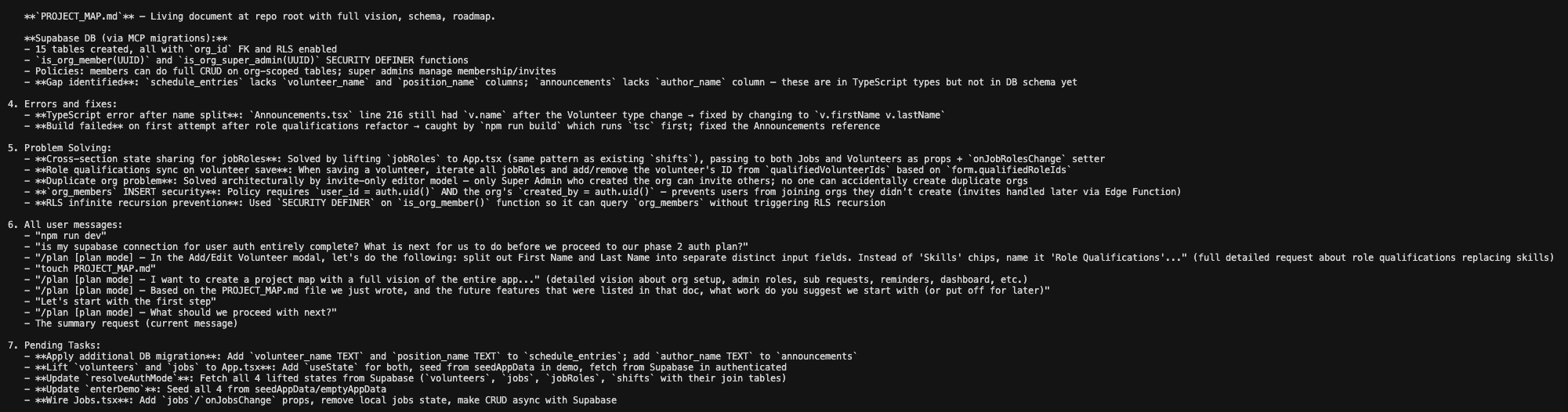
Underspecified planning: Prompts that included sufficient context, references to code elements, or included references to visual artifacts linked via Figma performed consistently better. Implementing a project map .md (markdown file, which was not yet commonplace) also helped wrangle and organize the roadmap after some less successful initial attempts at 'roadmap' planning.

Thanks for viewing!
iszimberg@gmail.com